The website
A quick decoder and guide library.
- Manual serial decoder
- Serial-format guides
- Era coverage up to 2020
- No install and no uploads
- Louis Vuitton date-code windows

Vintage Handbag Identifierby Vintage Bag Index
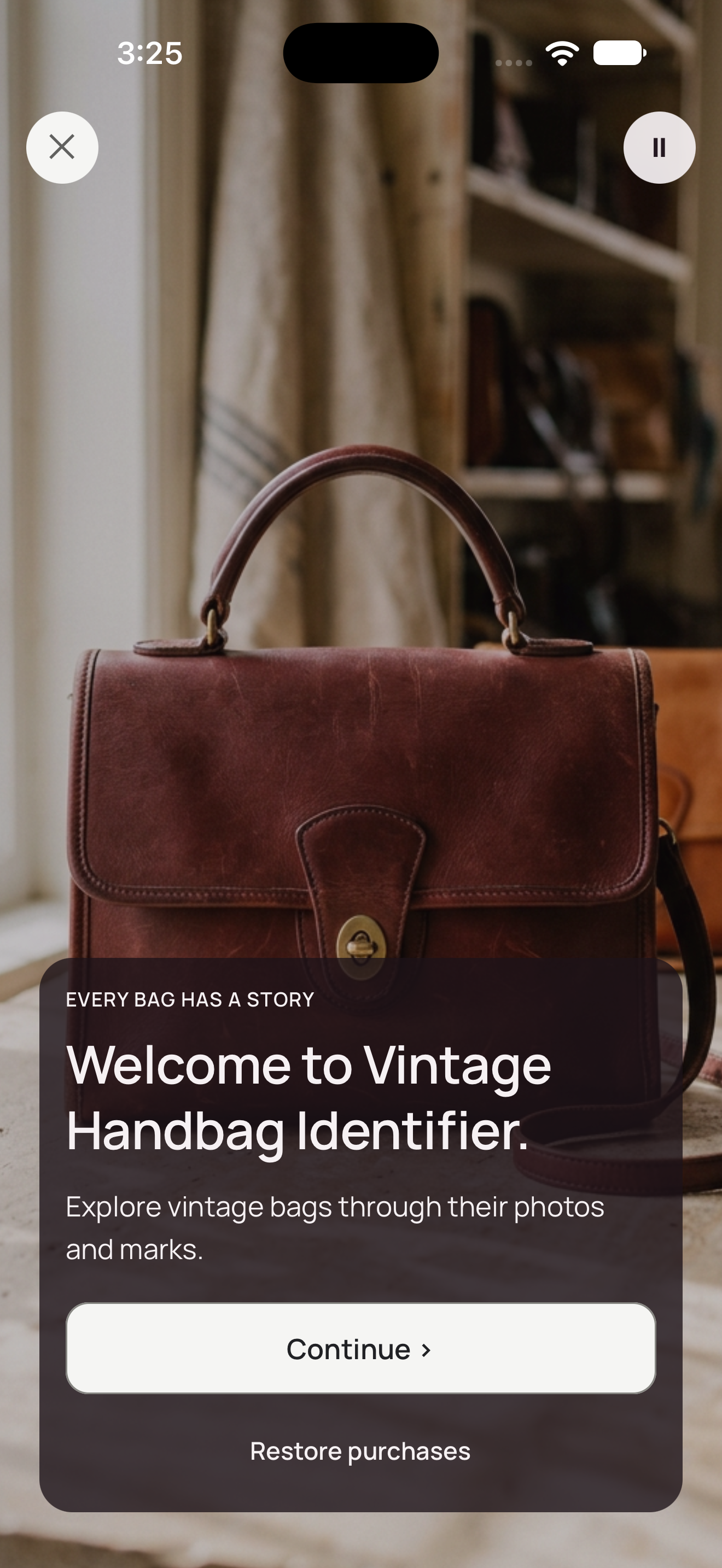
Scan a Coach Creed, search 1,102 documented styles across Coach and Louis Vuitton, then compare the whole bag against catalogue evidence.
Catalogue comparison, not authentication.

 Scan with your iPhone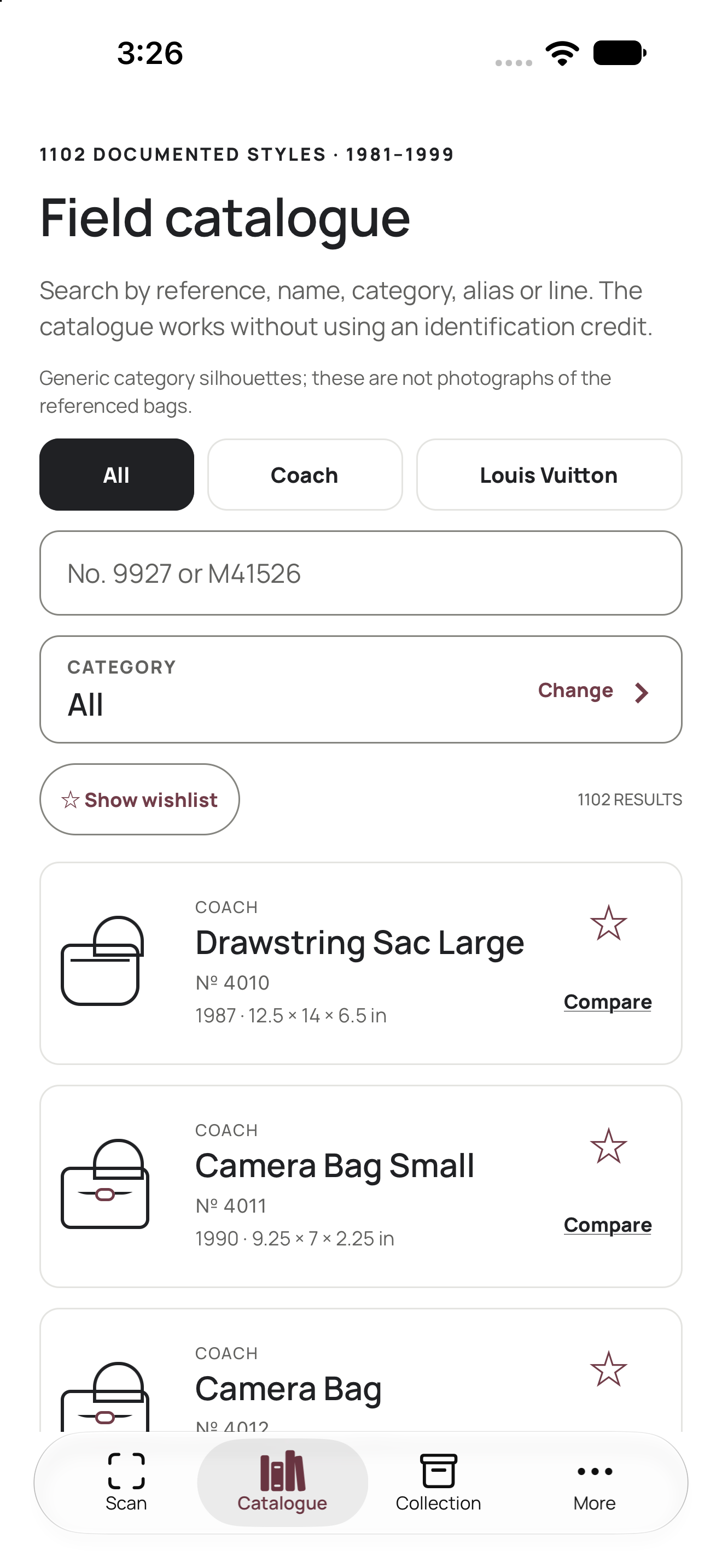
A serial, one catalogue clue or four bag views can each move the search forward.
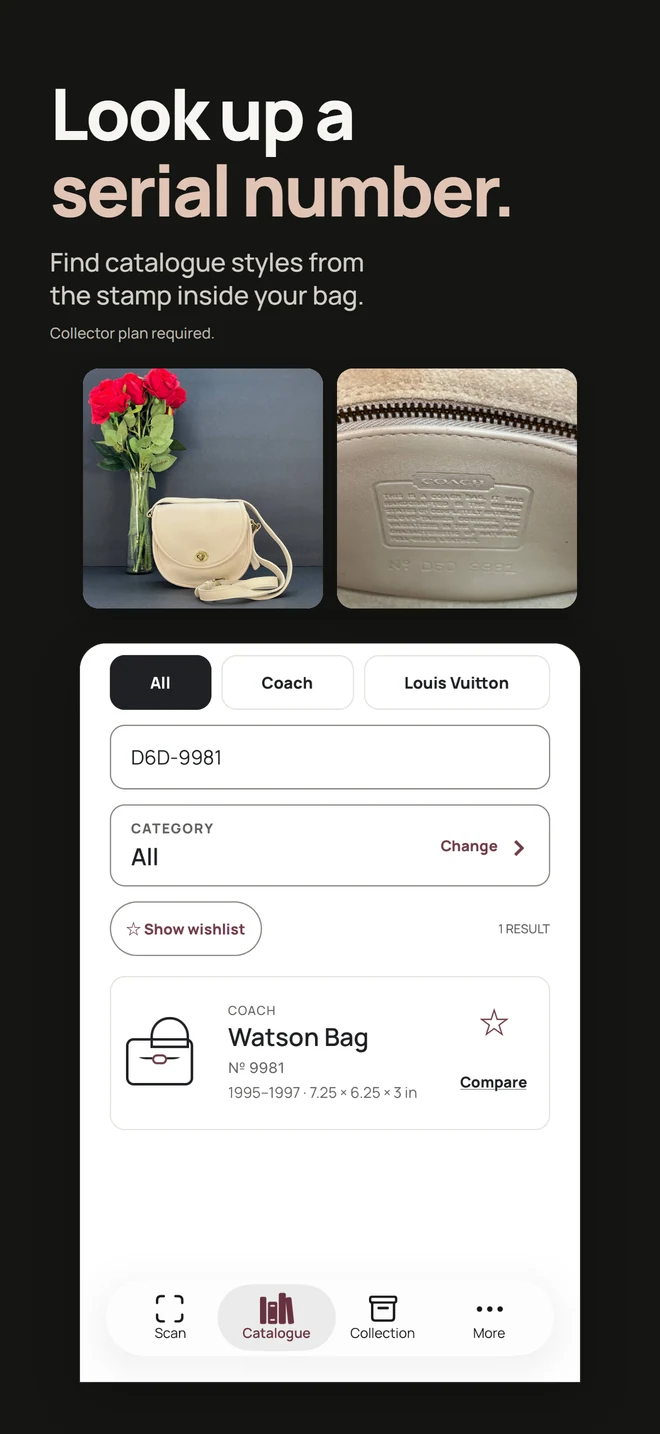
Add up to four views. The app compares shape, hardware, construction and Creed details with its catalogue records for Coach and Louis Vuitton. A Coach result can name an exact model from 1981 to 1999, and a Louis Vuitton result a family or an era.
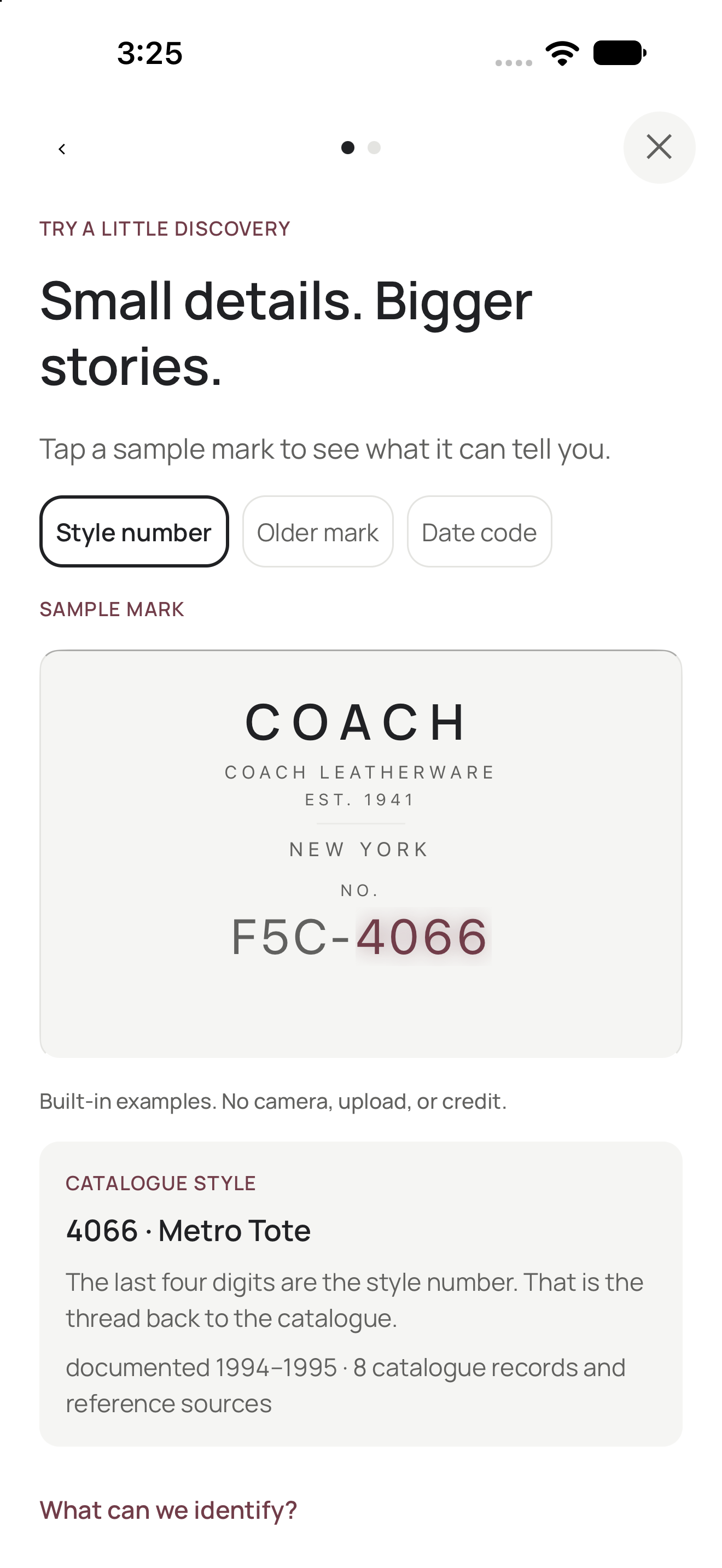
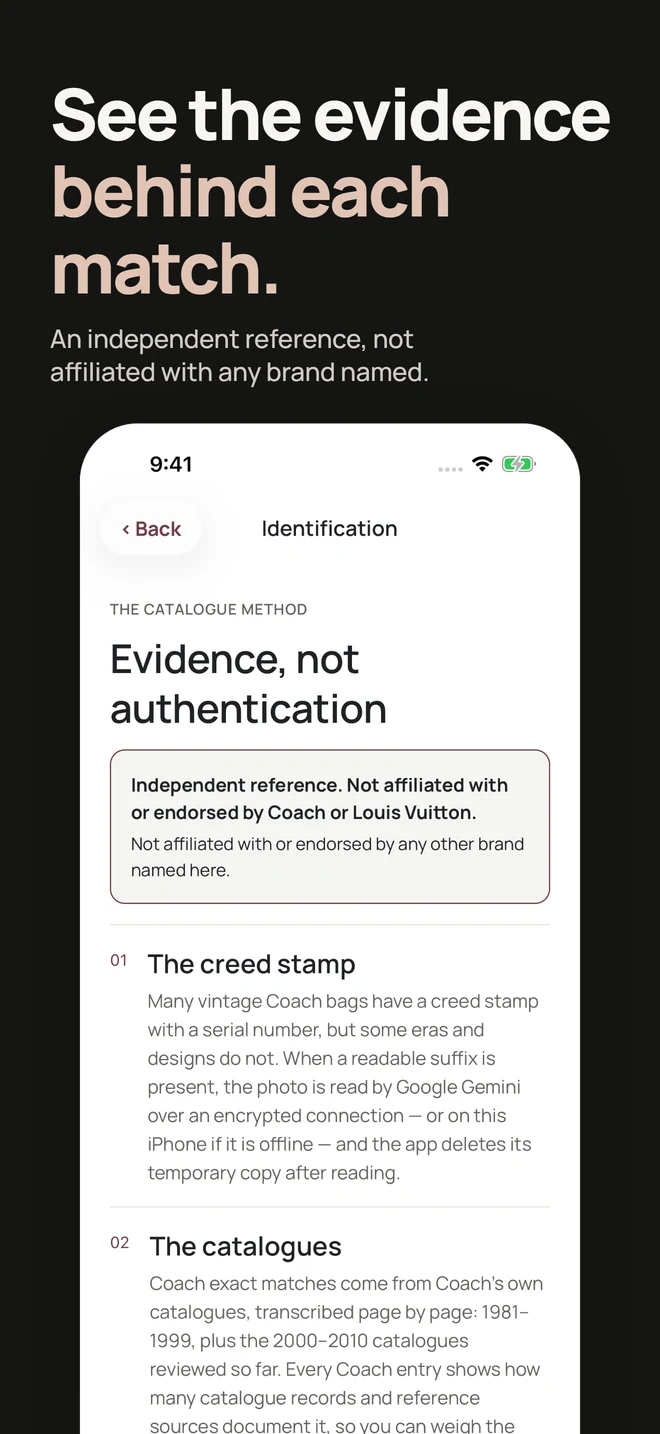
Frame the serial patch. The photo is sent over an encrypted connection and read by Google Gemini. Kovus does not store or retain it. Google handles the request under its own Gemini API terms. Offline, your iPhone reads it.
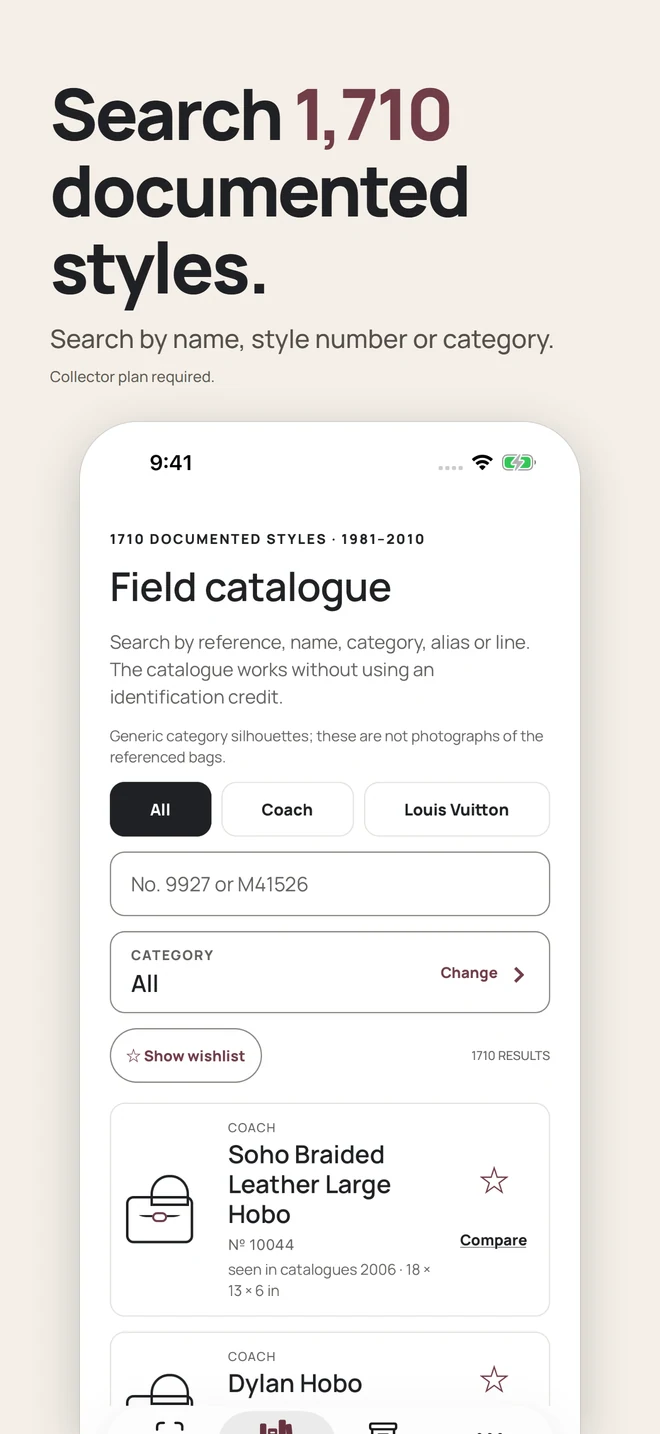
Browse 1,102 documented Coach and Louis Vuitton styles by number, name or category without using an identification.
Read a Louis Vuitton date code to see which documented date-code window it matches. A date code gives context, not a style match or proof of age. A Louis Vuitton photo names a documented family, such as Speedy or Keepall, or an era. Exact style matches are Coach only.
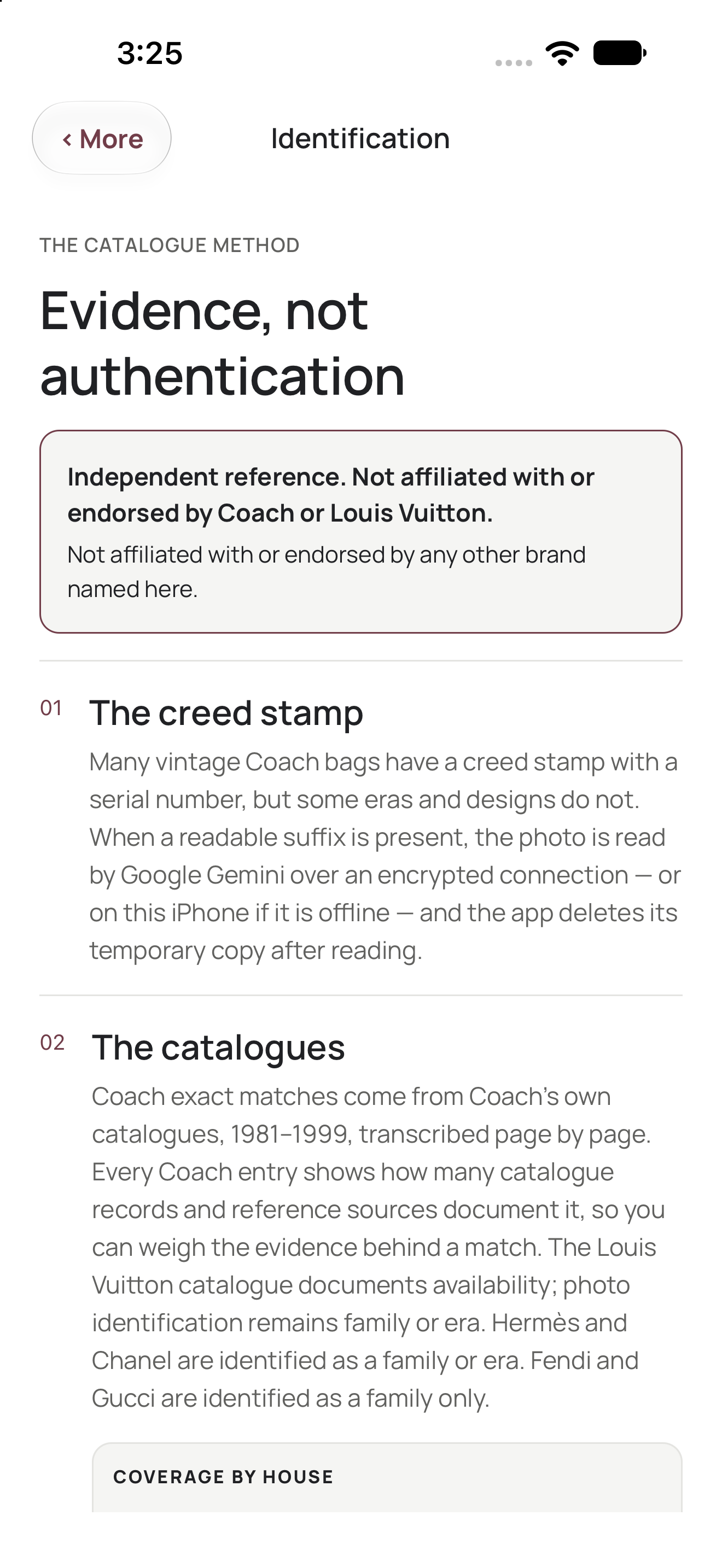
A photo result goes only as far as the evidence for that house. Coach results can name an exact model, and the others stop at a family or an era. Only Coach and Louis Vuitton results are backed by the app's catalogue records, and they are the only two houses named in the App Store listing for version 1.0.7. The other four follow the app's own “What can we identify?” sheet.
An exact model reference
629 documented styles from 1981 to 1999.
A family or an era
473 documented references. A family is a line such as Speedy or Keepall.
A family or an era
Not an exact model.
A family or an era
Not an exact model.
A family
Not an exact model or an era.
A family
No year from a Gucci mark.
The marks themselves can be read free on this site: a Chanel serial number decoder, an Hermès date stamp decoder, a Gucci serial number decoder, a Fendi serial number decoder, and a guide to working out what bag you have.
Version 1.0.5 took the app from 5 languages to 45, with right-to-left layouts for Arabic, Hebrew and Urdu. Choose one in More.
The same release changed the look of the app. What changed in version 1.0.5.
Use the Creed patch, a straight-on bag view, the gussets and the closure.
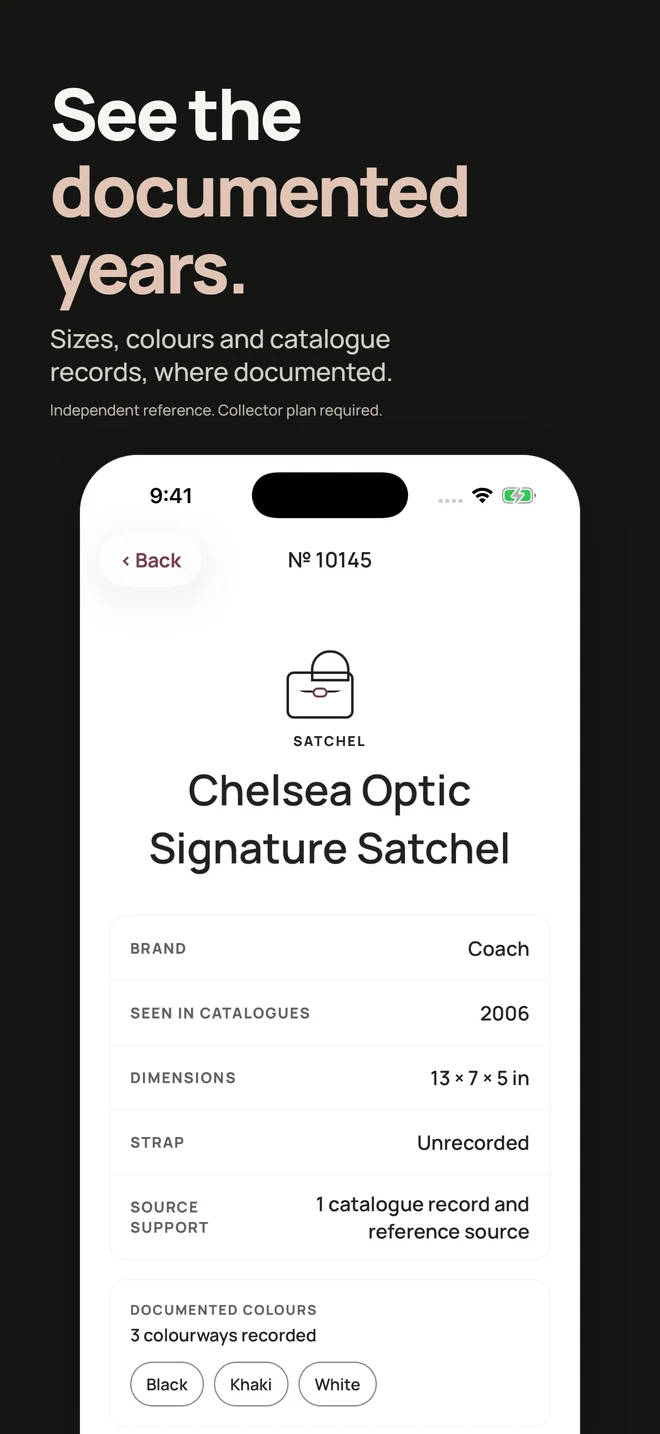
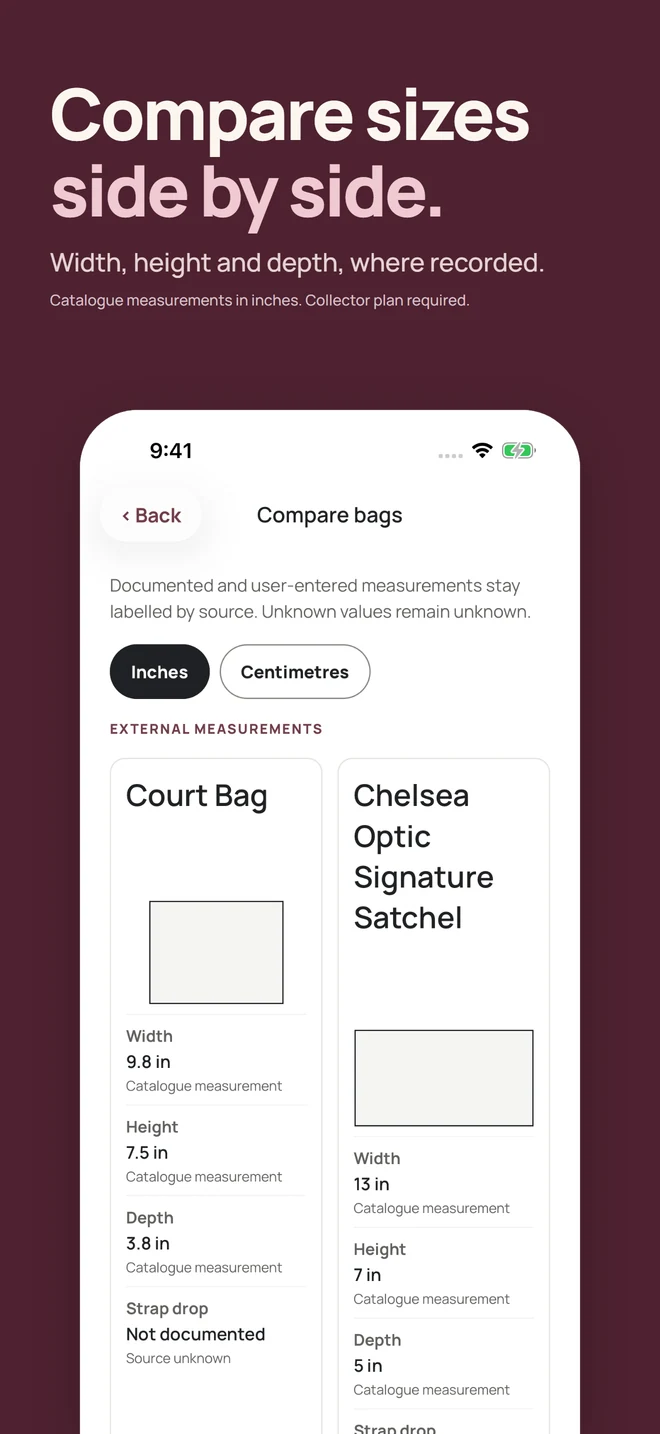
For Coach, the app checks the photographs against documented dimensions, production years and construction. For Louis Vuitton, it matches them to a documented family or an era.
Review the likely matches, source support and limits before deciding what the evidence means.
Screens shown are from version 1.0.8, currently in TestFlight.
The website
A quick decoder and guide library.
The iPhone app
The deeper collector workflow.
On the website, decode a serial with the Coach Creed decoder, search a style number with the Coach style number lookup, or match a Louis Vuitton date code with the Louis Vuitton date code decoder.
For how the app compares with other identification tools, read which app to use to identify a vintage handbag.
For the release context, read the App Store launch note. Future research and material app updates live in Collector's Notes.
Every Collector plan carries unlimited Creed scans and an allowance of whole-bag comparisons. Before you choose one, a new install lets you try an offline stamp example, which needs no camera, upload or credit.
Unlimited Creed scans, catalogue search, comparisons, wishlist and the private collection.
50 whole-bag identifications at the start of each paid year. Eligible customers can start with a 7-day free trial and 5 whole-bag credits, and the first paid year adds 50 more.
2 whole-bag identifications a week, with no trial. Storefront pricing is shown in the app.
Privacy by design
The app names Google Gemini before the first send. Each photo is encrypted in transit. Kovus does not store or retain it. Google handles the request under its own Gemini API terms.
No whole-bag photograph leaves the device until you confirm the transfer.
Whole-bag identification sends confirmed photographs to Google Gemini only, and from version 1.0.6 the consent screen names Gemini alone. Versions up to and including 1.0.5 still list a second provider, which no longer receives them. An optional broader search, confirmed separately, also sends an exterior photograph to SerpApi for a Google Lens search.
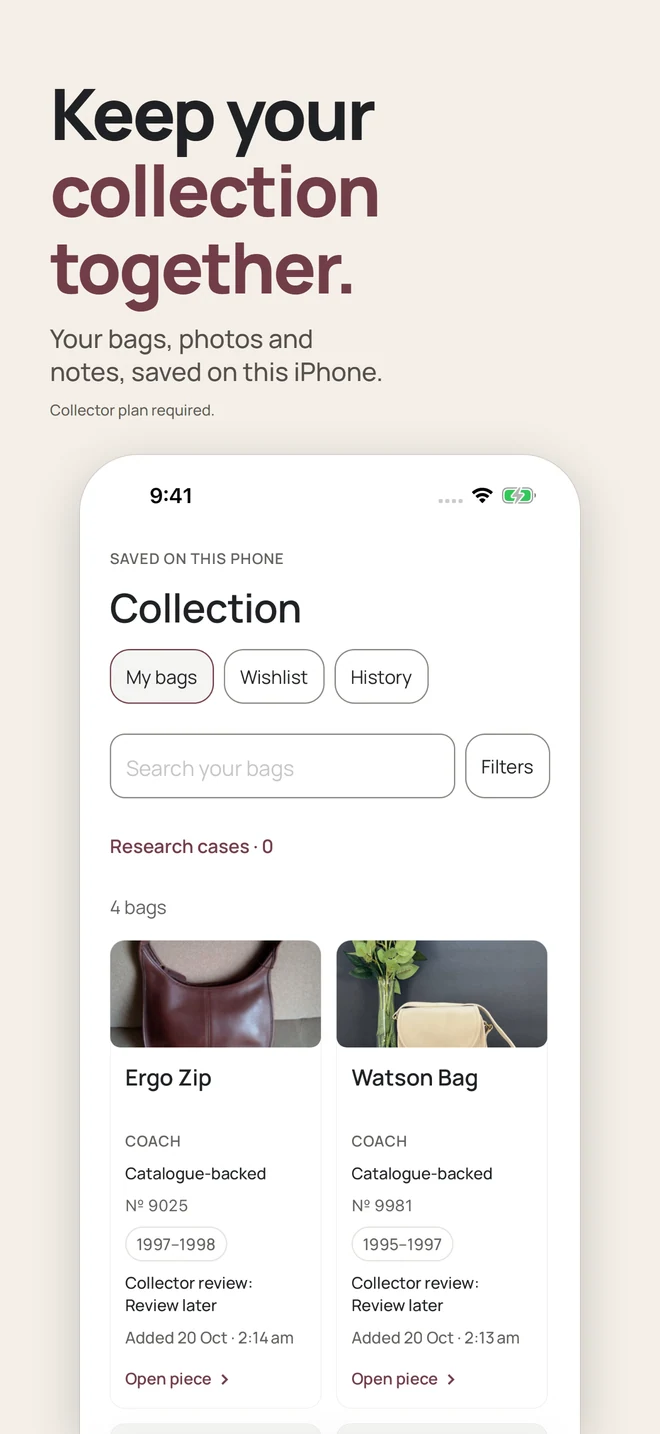
Collection photographs, notes and identification history remain in local app storage.
The app helps you inspect a bag. It does not make the final judgement for you.
Not authentication and not proof that a bag is genuine.
Not an appraisal or estimate of resale value.
No guarantee of age, condition or production history.
Independent and not affiliated with or endorsed by Coach, Louis Vuitton, Hermès, Chanel, Fendi or Gucci.
No. It compares visible details with its catalogue records, which cover Coach and Louis Vuitton. The result is a research aid, not authentication, appraisal or proof of age, condition or value.
Yes. The catalogue holds 473 documented Louis Vuitton references from 1985 to 1999 beside 629 Coach styles. Reading a Louis Vuitton date code shows which documented date-code window it matches, which gives context rather than a style match or proof of age. A Louis Vuitton photo result names a documented family or an era. Exact style matches and Creed reading are Coach only.
Six houses, to different depths. Coach results can name an exact model reference from 1981 to 1999, and Louis Vuitton suggestions stop at a family or an era. Only these two have the app's catalogue records behind their results. Hermès and Chanel results stop at a family or an era, and Fendi and Gucci results at a family, with no year from a Gucci mark. A result may remain unidentified.
45 from version 1.0.5, up from 5, with right-to-left layouts for Arabic, Hebrew and Urdu. Choose a language in More.
Yes. On a new install, a Collector plan is required to enter the main app. Before subscribing you can try an offline stamp example, which needs no camera, upload or credit. Annual adds 50 whole-bag identifications at the start of each paid year. Eligible customers can start Annual with a 7-day free trial and 5 whole-bag credits, and the first paid year adds 50 more. Weekly adds 2 each week, with no trial. Both include unlimited Creed scans, catalogue search, comparisons, the wishlist and your local collection.
The website is a quick manual decoder and guide library. The iPhone app adds camera reading, catalogue search, whole-bag comparison and private collector tools.
The Creed photo is sent over an encrypted connection and read by Google Gemini, which the app names before the first send. Kovus does not store or retain the photo. Google handles the request under its own Gemini API terms. If you decline or your iPhone is offline, the stamp is read on the iPhone instead. Whole-bag photographs leave the device only after you confirm the transfer, and identification sends them to Google Gemini only. From version 1.0.6 the whole-bag consent screen names Google Gemini alone. Versions up to and including 1.0.5 still list a second provider there, which no longer receives photos. An optional broader search, confirmed separately, also sends an exterior photograph to SerpApi for a Google Lens search. The privacy policy has the detail.
Free download. Collector subscription required.